This tutorial provides a detailed walkthrough on how to use the Just My Socks service to access ChatGPT, helping you easily achieve a stable and reliable AI conversation experience. We will guide you through every step, from purchasing the service to the final configuration.
You can select a country or region based on your personal needs; available server locations typically include Los Angeles (USA), London (UK), Hong Kong (China), Tokyo (Japan), and others. You can then choose your required monthly data allowance and other configuration options.
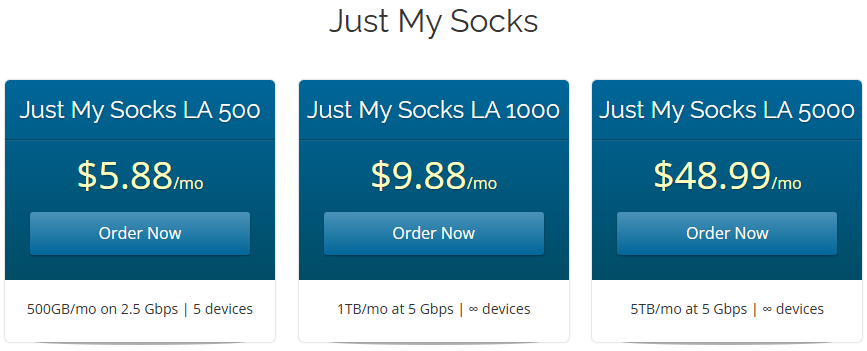
Just My Socks offers a variety of plan options; the following are the most popular choices:
🎉 Exclusive Offer: Use promo code JMS9272283 to enjoy a 5.2% discount.
| Plan Name | Monthly Data | Bandwidth | Supported Devices | Price |
|---|---|---|---|---|
| LA 500 | 500GB | 2.5Gbps | Up to 5 Devices | $5.88/month |
| LA 1000 | 1000GB | 5Gbps | Unlimited | $9.88/month |
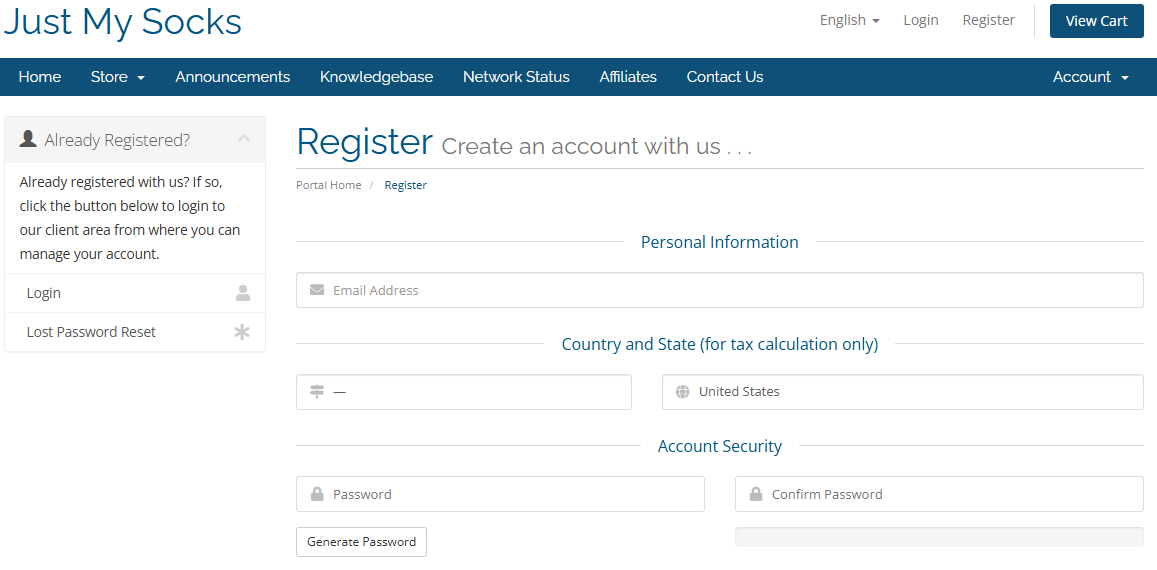
For your first purchase, you are required to register an account and complete the payment:

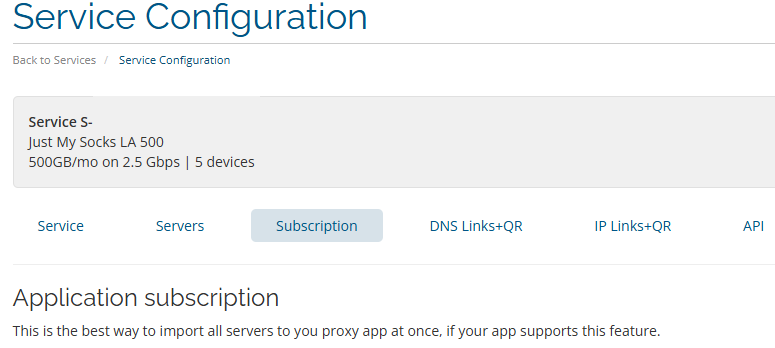
Once the above configuration is complete:
Q: How do I choose the best node?
A: Generally, the third line offers the fastest speeds, so we recommend trying that one first. If you experience latency, you can switch to other nodes to test them out.
Q: Is 500GB of data sufficient?
A: It is more than enough for daily use of ChatGPT, as text-based conversations consume very little data. If you require more data later on, you can upgrade your plan at any time.
This tutorial is provided solely for educational and informational purposes; please ensure you comply with all local laws and regulations.